Похожее видео
×
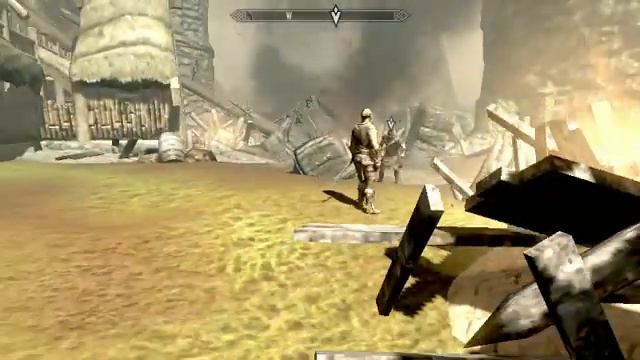
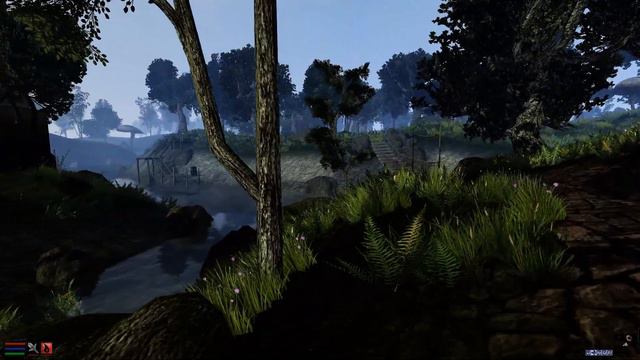
DD Battle Map. Winter Outpost. No grid

Видео: DD Battle Map. Winter Outpost. No grid
Footage taken from an outpost somewhere in Skyrim. For use in your online games or if youre fortunate enough to have a flat TV built into a table. DETAILS: No Grid No Sound No Gore child friendly Right folks You want to use this in Roll20? Here is how you do it. Firstly you will need 4 pieces of software: 1: YouTube open with your video of choice. 2: VTTES downloaded and enabled. 3: Roll20 with VTTES downloaded open on your current campaign. 4: VLC Media player. Follow the steps below and enjoy 1: Start a new page on Roll20. 2: Switch to YT and right click on the video and select Copy video URL 3: Switch to VLC and select FileMediaOpen Network Stream. 4: Paste the URL into the dialogue box and hit Play. 5: Right click on the video in VLC and select ToolsCodec Information. 6: At the bottom on the dialogue there is a Location box. Right click in the box and click Select All followed by Right clicking and selecting Copy 7: Switch over the Roll20 and click the small orange button next to the Page Tool Bar. 8: Paste the URL into the Media URL box and click the Enable button. If everything has gone according to plan you should now have the YT video playing on Roll20.,


2024-06-03 в 19:47:47
2024-06-02 в 15:11:11


![[CZ/SK] Path Of Exile: Zhrnutie Patch Notes 3.0.0](https://pic.rtbcdn.ru/video/2a/15/2a1505fae334dc4c3a6ea5e4549ca461.jpg)