
Похожее видео
×
Xcode Tutorial: InstallUninstall Xcode Command Line Tools xcode-select xcrun Apple Developer
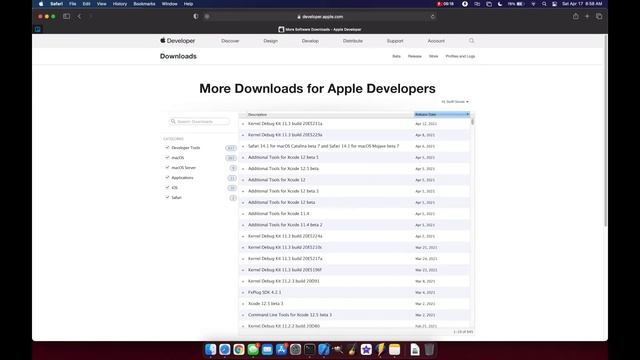
Видео: Xcode Tutorial: InstallUninstall Xcode Command Line Tools xcode-select xcrun Apple Developer
In this video well look at how to install and uninstall the Xcode Command Line Tools Xcode CLT using xcode-select xcrun and the Apple Developer download portal. DISCLAIMER Be VERY careful when removing Xcode CommandLineTools using rm -rf LibraryDeveloperCommandLineTools in a ROOT terminal session. Inserting the wrong path will result in you deleting something unintentionally such as your entire hard drive!!!! DOUBLE TRIPLE check your path before hitting enter using that command! END DISCLAIMER Hit the like button comment subscribe and hit the dinner bell to be notified of my next video! If youd like to support my work to help me improve video quality and bring more content please consider donating to my PayPal: 00:00 Intro 00:10 Check if you have Xcode CLT 00:58 xcode-select --install 01:41 Manual install from Apple Developer 03:17 Uninstall Xcode CLT 04:02 End Subscribe for more content as I will be creating more tutorial and how-to videos for coding in Swift as well as longer tutorials on building macOS apps. Thank you for watching! Huge thank you to the channels below for helping me get started! Uncreated Light Press and Mr. Macintosh and The Apple Ninja ,