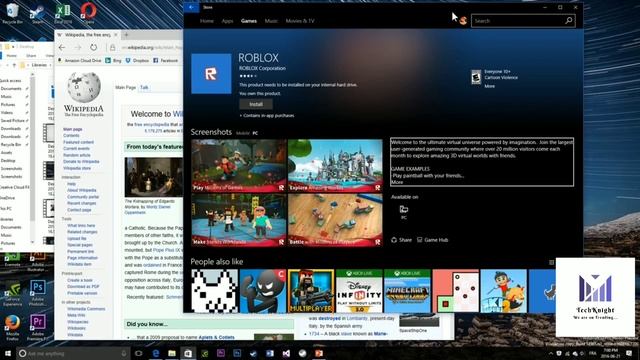
Похожее видео
×
How to install fonts windows 10 updated

Видео: How to install fonts windows 10 updated
How to install fonts windows 10 updated Step 1 You can do so by opening Windows 10 Settings clicking on Personalization and then clicking on the Fonts tab Youll then see a link above to Get more fonts in the Microsoft Store Click that and then download your font just as you would an app to have it automatically install and appear in the settings As an alternative you can also manually download a font from a website of your choosing and install it Steps 2 and 3 will discuss more on how to install fonts from outside the Microsoft Store Step 2 Once downloaded the font may or may not be packed into a zip file If its zipped rightclick on the file select Extract All and then follow the instructions to put the font into a folder of your choosing Step 3 After extraction or accessing the file at its downloaded destination rightclick on the file and select Install Thats it,



2024-10-20 в 23:13:24


2026-04-20 в 18:22:50
2024-10-20 в 23:36:10

2024-10-20 в 22:33:25



2024-10-20 в 23:18:39



2024-10-20 в 23:09:22