Похожее видео
×
Minecraft Modding Forge Workspace Setup 1.16 - 1.12
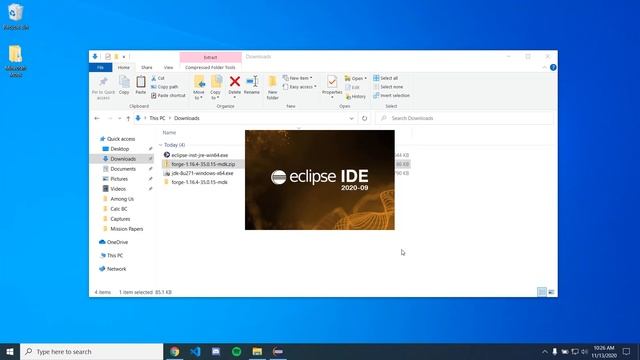
Видео: Minecraft Modding Forge Workspace Setup 1.16 - 1.12
This setup works for modding any version of Minecraft the only thing you need to change is which Minecraft Forge version you download. I tested this for every version from 1.16 to 1.12 and it most likely works for older versions as well. This setup also works for other workspaces you simply need to modify the commands that were run in the video to correspond with your workspace. For example: Commands for Intellij workspace: gradlew genIntellijRuns and gradlew intellij Commands for Eclipse workspace: gradlew genEclipseRuns and gradlew eclipse This setup also works for any system but some changes are required. 1. Which JDK installer you download 2. Use your respective command prompt 3. Command syntax for changing your directory and running your workspace commands Linux: cd location is the same format . prefix needed for gradle commands MacOS: Unknown comment what steps are different if you know to help others out If you have any problems with getting this setup first check out the comments for similar errors or problems. If your error or problem isnt already in the comments feel free to ask yours and Ill do my best to help you out. JDK 8 Download Website download the correct installer for your system: Eclipse Download: Forge Files only download the MDK files: Table of Contents: 0:00 Intro 0:07 JDK 8 Setup 0:52 Eclipse Download 1:14 Forge MDK Download 2:31 Eclipse Install 3:20 Forge MDK Setup 5:05 Opening in Eclipse,
2026-05-20 в 15:01:01

2023-10-30 в 21:17:33







2026-05-20 в 14:57:30