
Похожее видео
×
Insecure DOR Change Secret
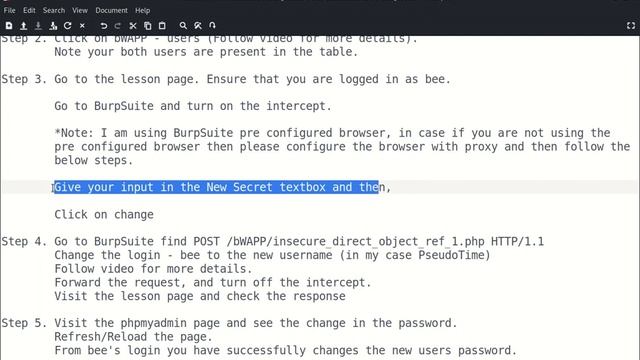
Видео: Insecure DOR Change Secret
Insecure DOR Change Secret - Low Security Level Solution: Pre-Requisite - To solve this lesson you will need 2 users. Our 1st user will be uname - bee pwd - bug To create 2nd user please click on Create Users complete details and click on Create button. As I have already created a user I am skipping this step Step 1. Open new tab and type the url - Give username - bee password bug Unless you have changed the credentials. Click on Go. Step 2. Click on bWAPP - users Follow video for more details. Note your both users are present in the table. Step 3. Go to the lesson page. Ensure that you are logged in as bee. Go to BurpSuite and turn on the intercept. Note: I am using BurpSuite pre configured browser in case if you are not using the pre configured browser then please configure the browser with proxy and then follow the below steps. Give your input in the New Secret textbox and then Click on change Step 4. Go to BurpSuite find POST bWAPPinsecure_direct_object_ref_1.php HTTP1.1 Note: The passwordssecrets: Follow video for more details: bee - bug PseudoTime - nosecret changed to time. Change the login - bee to the new username in my case PseudoTime Follow video for more details. Forward the request and turn off the intercept. Visit the lesson page and check the response Step 5. Visit the phpmyadmin page and see the change in the password. RefreshReload the page. From bees login you have successfully changes the new users password. PseudoTime,