Replicant_CG - видео - все видео
Новые видео из канала RuTube на сегодня - 20 April 2026 г.
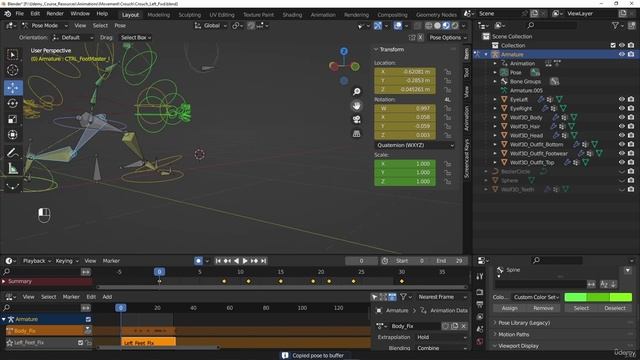
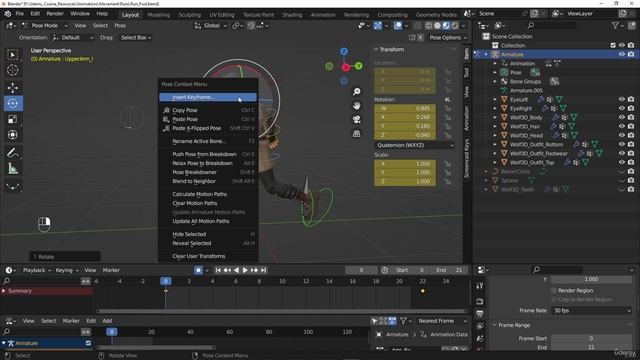
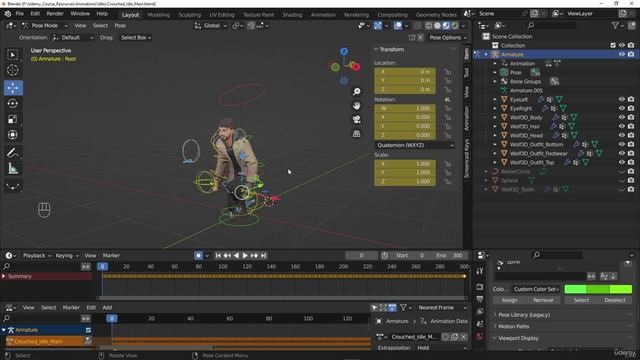
00:00:00 - 1. Creating the transition animation from stand to crouched 00:34:19 - 2. Creating the transition animation from crouched to stand1. Creating pose assets and using the Blender asset browser1. Student challenge Export the crouch animations00:00:00 - 1. Section introduction 00:00:23 - 2. Creating the forward crouched walk cycle 00:41:10 - 3. Creating the left forward crouched walk cycle 01:22:57 - 4. Creating the right forward crouched walk cycle 01:45:01 - 5. Creating the crouch left forward 45 cycle 01:46:00 - 6. Creating the crouch right forward 45 cycle 02:13:00 - 7. Creating the backwards crouched walk cycle 02:20:32 - 8. Creating the crouch right back cycle 02:24:41 - 9. Creating the crouch left back cycle 02:30:57 - 10. Creating the left and right back 45 crouched walk cycles1. Student challenge Exporting the run animations00:00:00 - 1. Section introduction 00:00:29 - 2. Creating the forward run cycle part 1 00:32:01 - 3. Creating the forward run cycle part 2 01:14:08 - 4. Creating the left forward run cycle 01:41:31 - 5. Creating the right forward run cycle00:00:00 - 1. Setting up the idles ready for export 00:10:10 - 2. Exporting the main skeleton 00:13:45 - 3. Exporting all our animations so far00:00:00 - 6. Creating the right walk forward cycle 00:40:45 - 7. Creating the backwards walk cycles 00:56:49 - 8. Creating the 45 degree walk cycles Part 1 01:17:30 - 9. Creating the 45 degree walk cycles part 200:00:00 - 1. Section introduction 00:00:31 - 2. Animating with motion extraction in mind 00:02:59 - 3. Creating the forward walk cycle part 1 00:32:51 - 4. Creating the forward walk cycle part 2 01:17:56 - 5. Creating the left walk forward cycle00:00:00 - 1. Section introduction 00:00:26 - 2. Animating the main stand idle animation 00:45:47 - 3. Animating the main crouched idle animation00:00:00 - 1. Quick basics of weight painting 00:05:03 - 2. Part 1 Adding the character mesh to the Armature 00:24:42 - 3. Part 2 Adding the character mesh to the Armature 00:39:18 - 4. Part 3 Adding the character mesh to the Armature 01:11:37 - 5. Part 4 Adding the character mesh to the Armature00:00:00 - 1. Importance of scale 00:07:56 - 2. Download the course resources 00:09:07 - 3. Setting up the animation rig 00:35:58 - 4. Setting up the foot control bones and leg IK 00:50:45 - 5. Setting up the hip, spine and head control bones 01:06:42 - 6. Setting up Custom Bone shapes 01:26:33 - 7. Creating finger drivers using animation actions00:00:00 - Make A Stylized Barrel With Only Simple Shapes _ Blender Tutorial - YouTube 00:08:08 - Texturing in Blender Was Hard Until I Found This! - YouTube00:00:00 - 1 - Creating A Unity Project 00:01:32 - 2 - Export from Blender & Import in Unity 00:04:10 - 3 - Scene Setup 00:09:10 - 4 - Lighting & Post Processing00:00:00 - 1 - Pipes Support 00:05:55 - 2 - Pipe Modeling 00:15:01 - 3 - Boolean Modifier 00:21:56 - 4 - Pillar Modeling 00:25:15 - 5 - Array Modifier 00:30:43 - 6 - Spin Tool 00:36:01 - 7 - Enivornment Details1 - Blender User Interface00:00:00 - 001 Export for android 00:06:23 - 002 Switch to IOS platform 00:07:17 - 003 Export for IOS 00:15:40 - 004 Course completion